01
Install and start
After signing in, start a connection from the home screen.
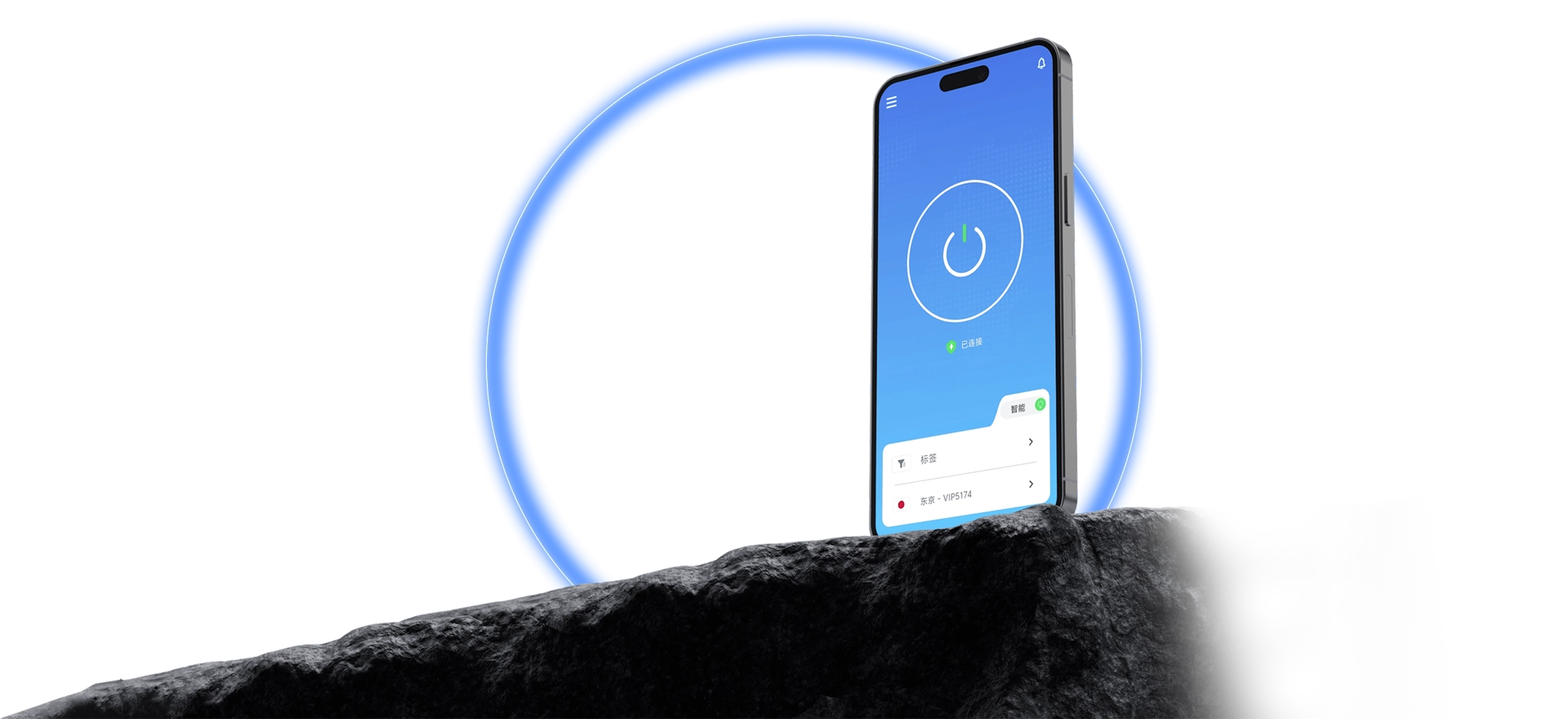
The official QuickQ client brings stable acceleration to streaming, gaming, AI tools, and everyday browsing.
The official QuickQ client runs on Windows, macOS, iOS, Android, and Linux. Install, sign in, choose a route, and connect with clear status; one account manages multiple devices.
Every step is short, so first-time setup goes smoothly.

After signing in, start a connection from the home screen.
Route information is open; choose as needed.
Connection state is presented clearly.
The same flow on every device makes it easy to pick up.
Data use and protection measures are explained.
Setup, sign-in, and connection issues each have guidance.
Download the client from the official site and follow the tutorial to set up QuickQ.